
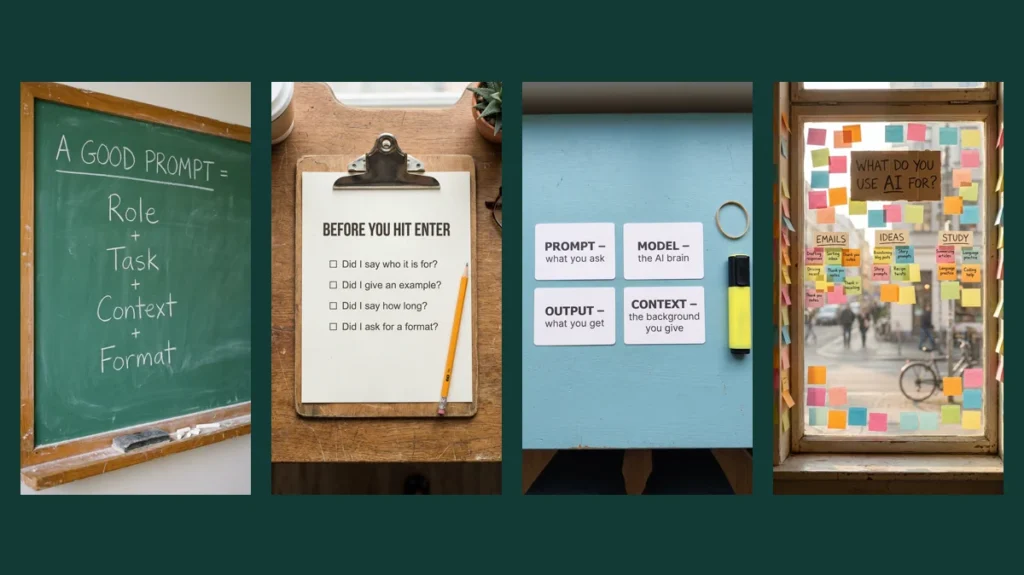
A good AI image prompt describes five things, usually in this order: the subject, the setting, the style, the light and camera, and the format. If the image must contain words, put those exact words inside quotes. That is most of what you need to know.
The rest of this guide shows the formula in action. We wrote 14 beginner-friendly prompts, ran each one with Nano Banana Pro on CinAI and kept the unedited results, so you can see what each part of the formula actually changes.
All images in this article were generated by us with Nano Banana Pro on CinAI in November 2026 and are shown without editing. The same prompt can produce a different image on another run.
The five-part prompt formula
| Part | What it answers | Example |
|---|---|---|
| Subject | What is in the picture? | a small clay owl wearing glasses |
| Setting | Where is it, and what is around it? | on a stack of books, a desk lamp beside it |
| Style | Photo, illustration, clay, paper-craft? | claymation style, handmade clay texture |
| Light and camera | How does it look? | soft warm light, shallow depth of field |
| Format | What shape is the image? | vertical 9:16 |
Words that must appear in the image go in quotes, for example a notebook titled “STUDY NOTES”. Keep those words short.
Prompts with text you can read
The prompt formula, written on a classroom chalkboard
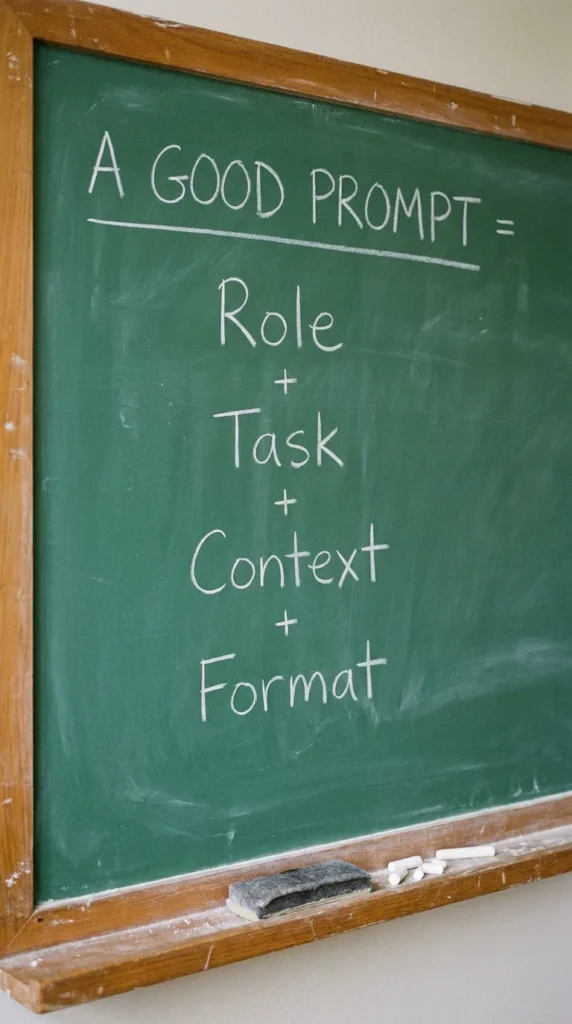
Photo of a green classroom chalkboard, neat white chalk handwriting: title "A GOOD PROMPT =", then four lines "Role", "Task", "Context", "Format" with small plus signs between them, a piece of chalk and an eraser on the ledge, soft daylight, realistic photo, vertical 9:16
Why it works: Four one-word lines are short enough for the model to spell perfectly, and the chalkboard look makes it feel like a lesson.
Make it yours: Try the formula right away: 'You are a travel planner (role). Plan 2 days in Hanoi (task) for a family with kids (context) as a table (format).'
A 'before you hit enter' checklist on a clipboard
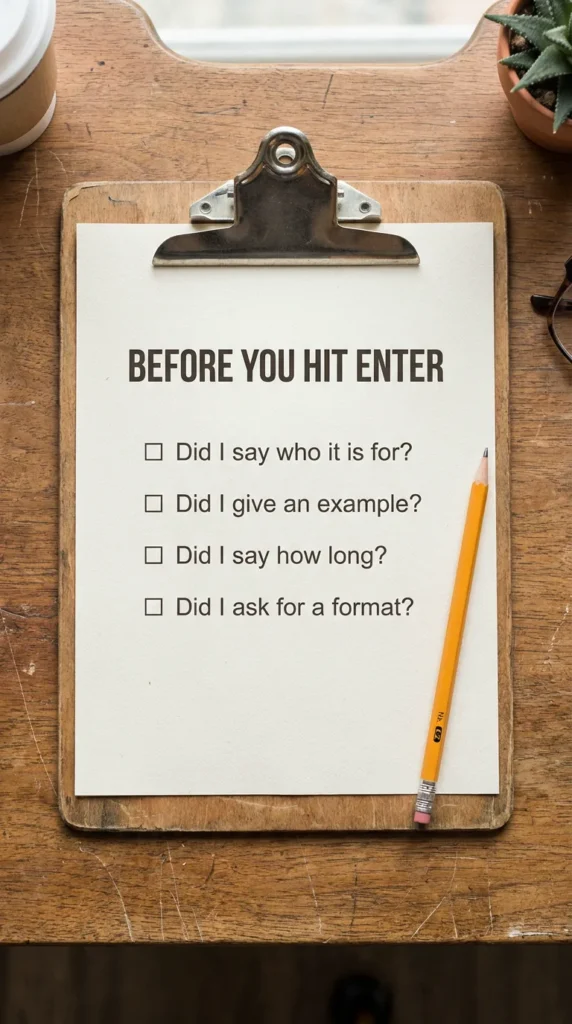
Top-down photo of a wooden clipboard on a desk, a printed checklist titled "BEFORE YOU HIT ENTER" with four checkbox lines "Did I say who it is for?", "Did I give an example?", "Did I say how long?", "Did I ask for a format?", a pencil beside it, soft natural light, realistic photo, vertical 9:16
Why it works: Questions are friendlier than rules, and a clipboard says 'use me every time'.
Make it yours: Print the four questions and keep them next to your screen.
AI words explained on flash cards
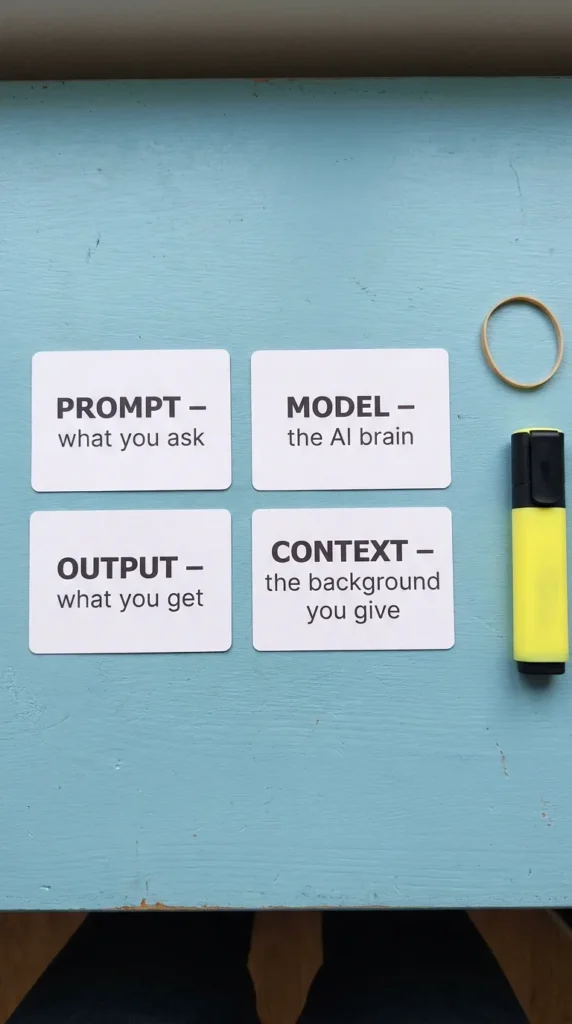
Top-down photo of four white flash cards on a light blue desk, each with a bold word and a short line: "PROMPT – what you ask", "MODEL – the AI brain", "OUTPUT – what you get", "CONTEXT – the background you give", a rubber band and a highlighter beside them, clean natural light, realistic photo, vertical 9:16
Why it works: Each card pairs one word with a three-word meaning, which keeps the text short and the idea clear.
Make it yours: Make a card for any word that confused you, and ask AI to explain it in five words.
What people use AI for, as a sticky-note poll
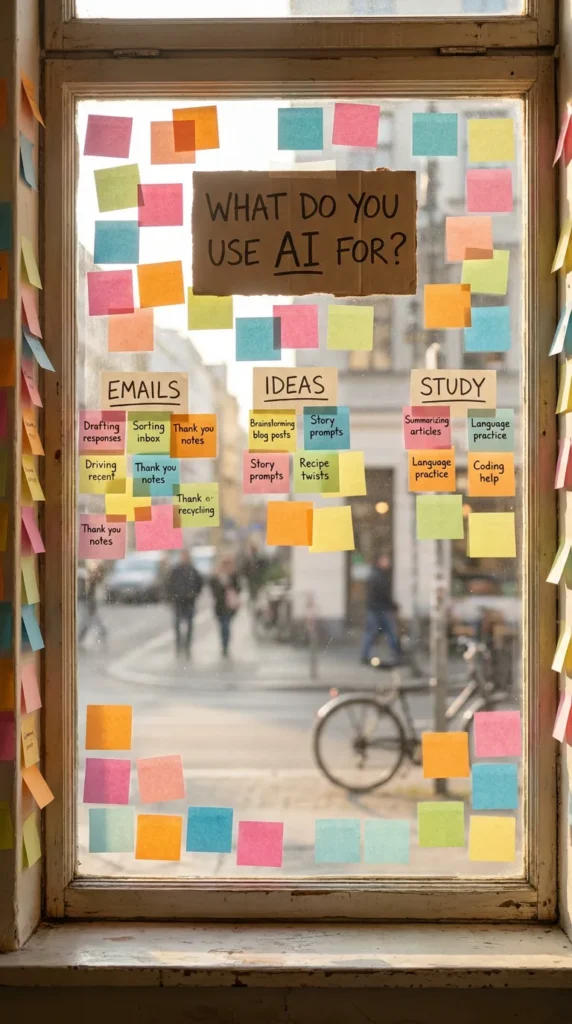
Photo of a café window covered in colorful sticky notes, a handwritten card at the top reading "WHAT DO YOU USE AI FOR?", sticky notes grouped under three headings "EMAILS", "IDEAS", "STUDY", soft morning light from outside, realistic photo, vertical 9:16
Why it works: Grouped notes look like real data, and the question at the top invites people to answer in the comments.
Make it yours: Change the three headings to the options you want your audience to pick from.
A neon reminder: ask better questions
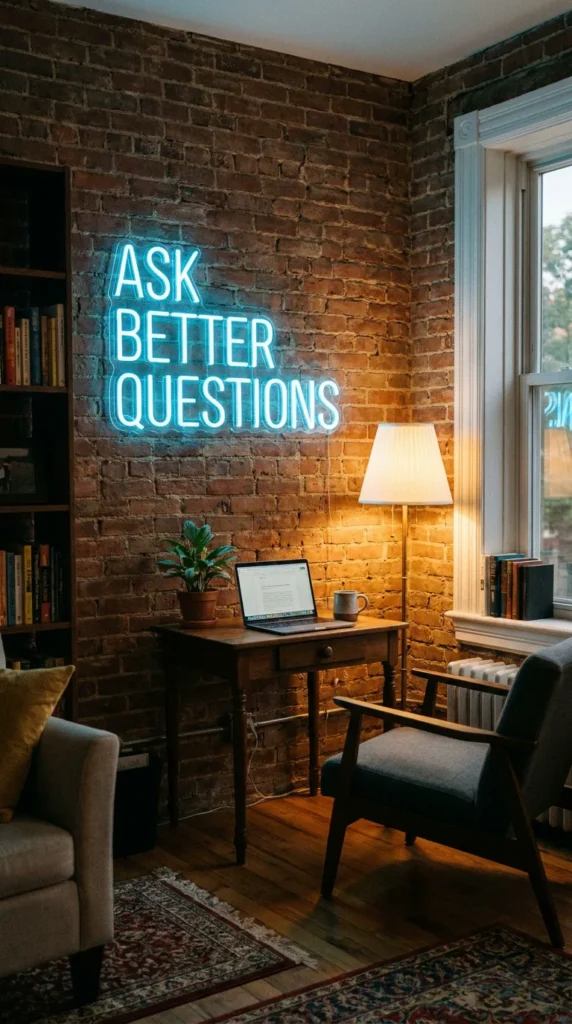
Photo of a brick wall in a cozy study room with a glowing neon sign in soft blue reading "ASK BETTER QUESTIONS", below it a small desk with a laptop, a plant and a mug, evening light, realistic photo, vertical 9:16
Why it works: Three words in neon is short enough to come out perfect, and the room around it gives the message a mood.
Make it yours: Put your own motto in the neon sign, under four words.
A notebook cover for your AI learning notes
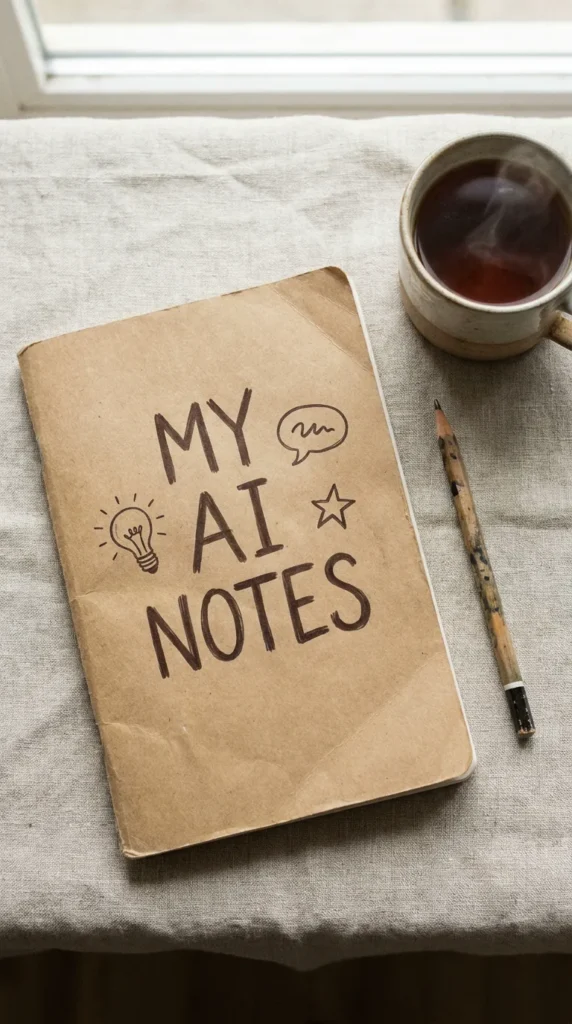
Top-down photo of a kraft paper notebook on a linen tablecloth, hand-lettered cover text "MY AI NOTES" with small doodles of a lightbulb, a speech bubble and a star, a pencil and a cup of tea beside it, soft morning light, realistic photo, vertical 9:16
Why it works: Hand lettering plus doodles adds personality, and the short title keeps the letters clean.
Make it yours: Make a cover for any habit you are building, like "MY READING LOG".
Prompts that explain an idea with a small world
What a chatbot does, as a tiny restaurant kitchen
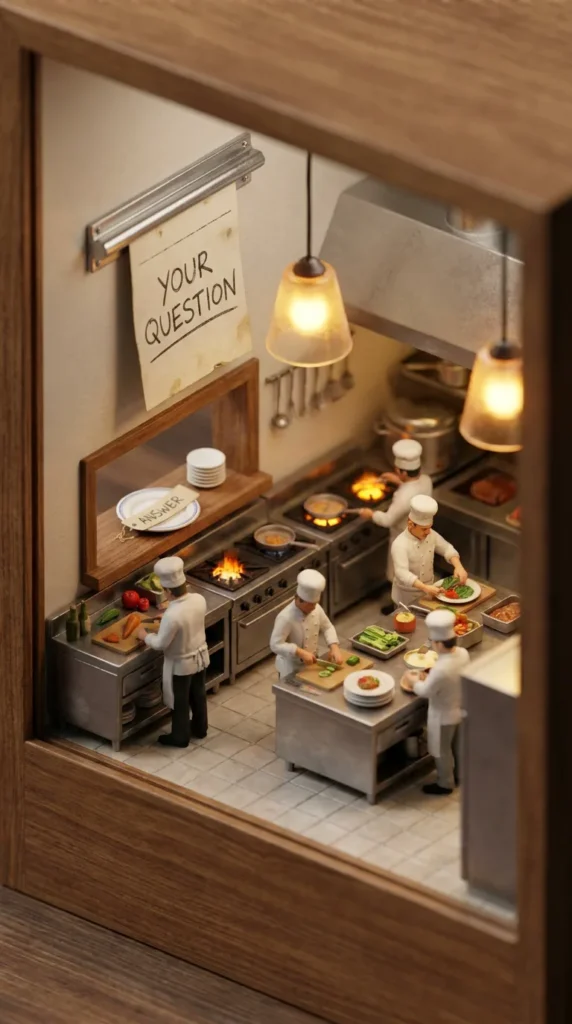
Isometric 3D miniature diorama of a tiny restaurant kitchen, an order ticket on the rail reading "YOUR QUESTION", tiny chef figurines cooking, a plate at the pass labeled "ANSWER", warm kitchen light, tilt-shift photography, highly detailed, vertical 9:16
Why it works: The kitchen metaphor shows the flow (order in, dish out) that beginners usually find abstract.
Make it yours: Change the ticket to a real question you would ask AI this week.
AI safety basics, as a tiny lighthouse
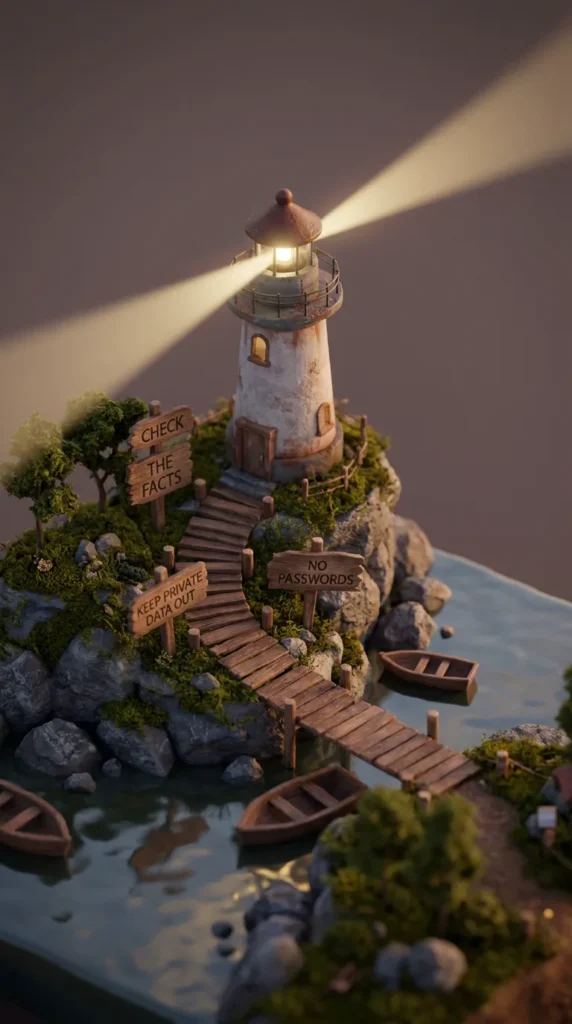
Isometric 3D miniature of a small lighthouse on rocky coast at dusk, three wooden signs along the path reading "CHECK THE FACTS", "NO PASSWORDS", "KEEP PRIVATE DATA OUT", the lighthouse beam sweeping over calm water, tilt-shift photography, highly detailed, vertical 9:16
Why it works: A lighthouse means 'stay safe' in any language, so the three rules feel like guidance, not a warning.
Make it yours: Add your own house rule, for example "ASK BEFORE SHARING".
Your first week with AI, as a board game
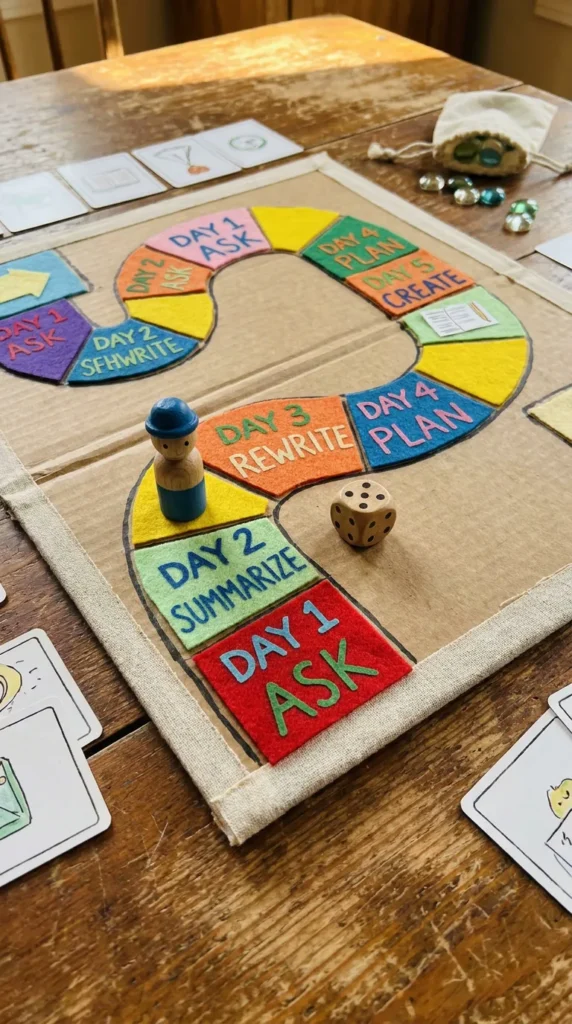
Top-down photo of a colorful handmade board game on a table, a winding path of squares labeled "DAY 1 ASK", "DAY 2 SUMMARIZE", "DAY 3 REWRITE", "DAY 4 PLAN", "DAY 5 CREATE", a small wooden game piece on DAY 2 and a dice beside it, warm light, realistic photo, vertical 9:16
Why it works: The game piece makes it personal: viewers instantly ask themselves which square they are on.
Make it yours: Turn it into a real plan: do one square per day this week.
The world of AI tools, as a tiny theme park
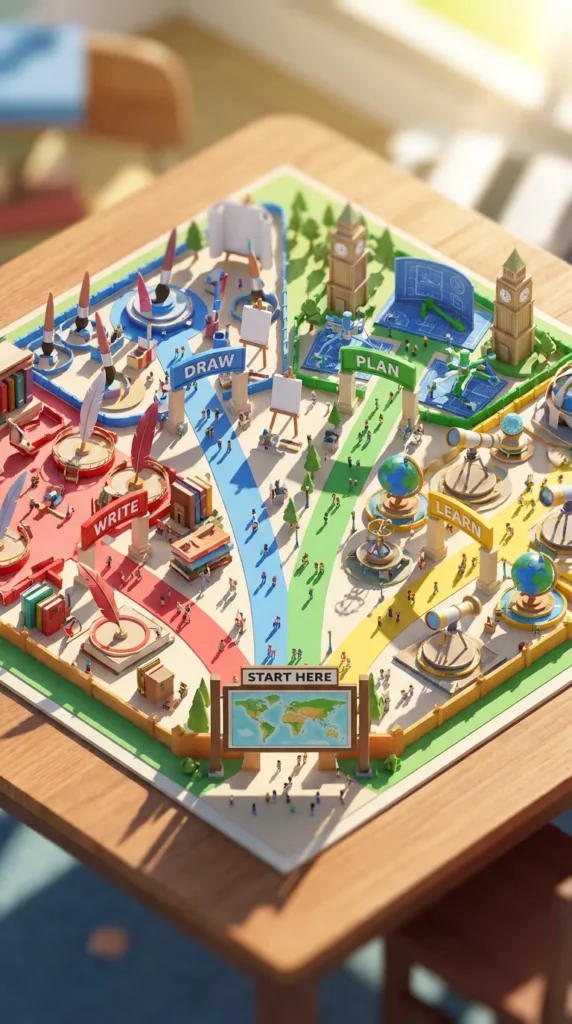
Isometric 3D miniature theme park seen from above, four colorful zones with arch signs reading "WRITE", "DRAW", "PLAN", "LEARN", tiny rides and visitors in each zone, a map board at the entrance reading "START HERE", bright sunny light, tilt-shift photography, highly detailed, vertical 9:16
Why it works: Splitting the park into named zones turns a confusing topic into four simple choices.
Make it yours: Rename the zones to the four things you want AI to help you with.
Prompts that try a style
How to ask a follow-up, as a 3-panel comic
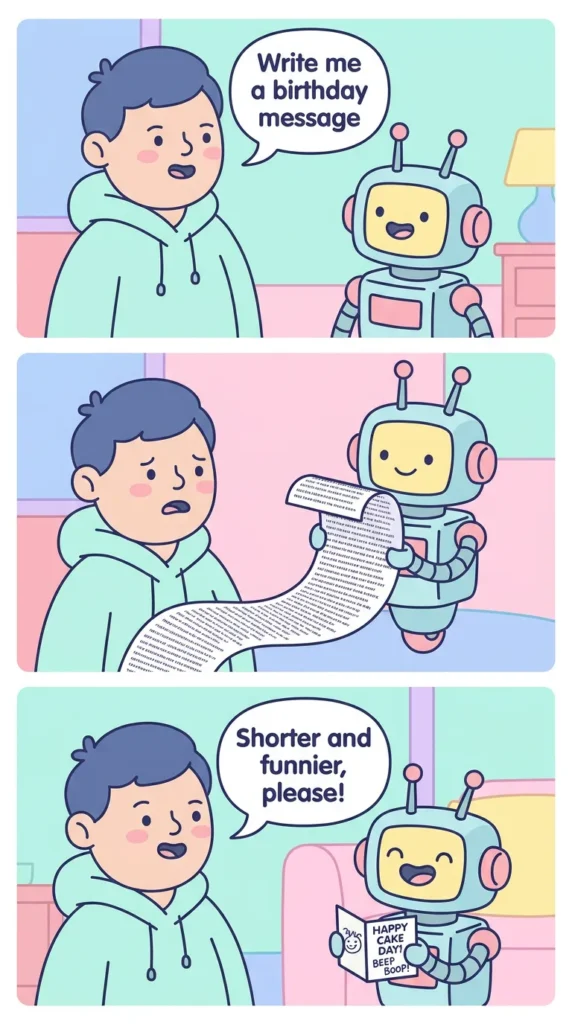
Clean three-panel comic strip in a friendly flat style, panel 1 a person asks a small robot "Write me a birthday message", panel 2 the robot shows a long card, panel 3 the person says "Shorter and funnier, please!" and the robot smiles, clear speech bubbles with readable text, soft pastel colors, vertical 9:16
Why it works: Speech bubbles hold short dialogue, and three panels show the real habit: ask, look, then refine.
Make it yours: Swap the request for something you use AI for, and keep each bubble under eight words.
How AI finds patterns, in paper-craft
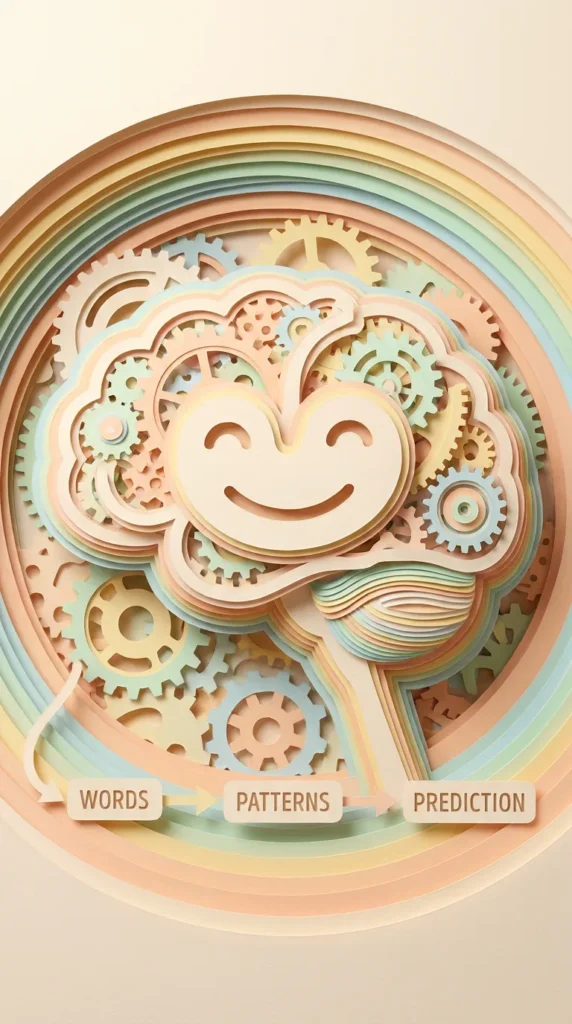
Layered paper-cut art of a large friendly paper brain made of colorful gears and stacked paper sheets, small paper labels reading "WORDS", "PATTERNS", "PREDICTION" with arrows between them, soft shadows between paper layers, warm pastel palette, studio light, vertical 9:16
Why it works: Paper-craft shows depth through shadows, which makes a simple diagram look premium.
Make it yours: Use the same style for any process with three steps, like 'Idea, Draft, Edit'.
An AI study buddy, made of clay
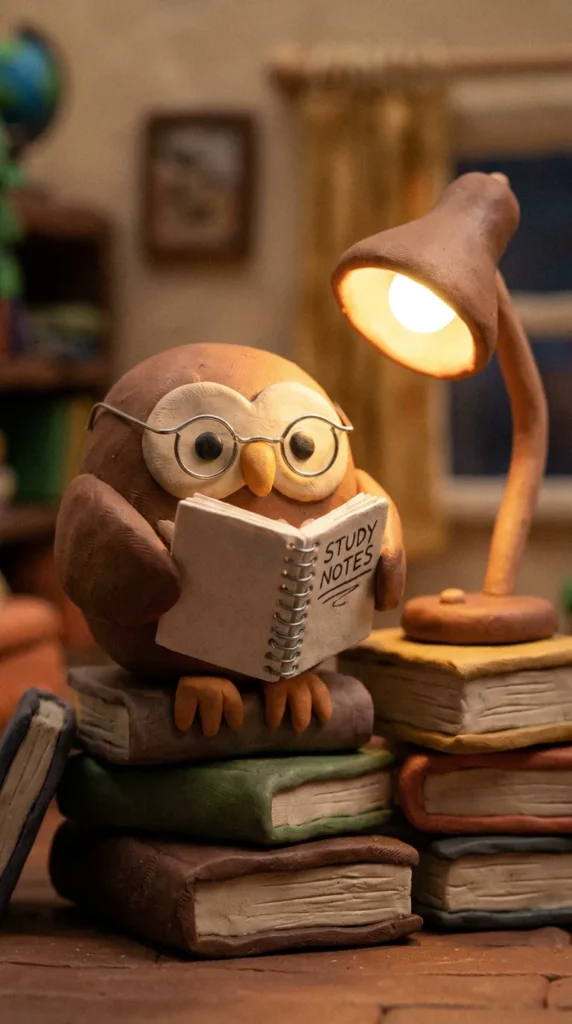
Cute claymation-style scene of a round clay owl wearing small glasses, sitting on a stack of books and reading a tiny notebook titled "STUDY NOTES", a desk lamp glowing beside it, soft warm light, handmade clay texture, shallow depth of field, vertical 9:16
Why it works: Naming the material (clay) and the texture gives every part of the image the same handmade look.
Make it yours: Swap the owl for an animal you like and the notebook title for a subject you are learning.
A before-and-after prompt
Before and after a rewrite, on two index cards
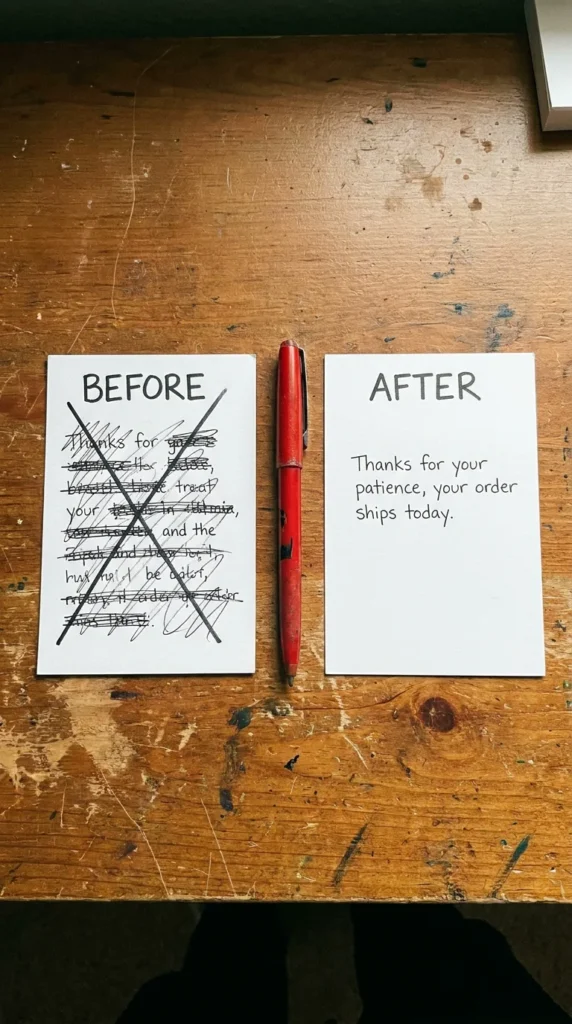
Top-down photo of two index cards side by side on a wooden desk, the left card labeled "BEFORE" with messy crossed-out handwriting, the right card labeled "AFTER" with one clean neat sentence "Thanks for your patience, your order ships today.", a red pen between them, natural light, realistic photo, vertical 9:16
Why it works: Before/after is the clearest way to show what AI rewriting is for, and one short sentence keeps the 'after' card readable.
Make it yours: Paste your own messy sentence into an AI chat and ask: 'Rewrite this so it is short and friendly.'
Five beginner mistakes
- Only naming the subject. “A cat” leaves every other choice to the model. Add a setting and a style.
- Long text inside the image. Keep quoted text to a few words per line.
- Too many objects. Three to five named things is plenty.
- Contradicting yourself. “Minimal” and “highly detailed” in the same prompt pull in opposite directions.
- Fixing by adding more words. If a result is off, change one part of the formula and run it again.
A five-day practice plan
- Day 1: Run one prompt from this page without changes.
- Day 2: Change only the subject.
- Day 3: Keep the subject, change the style (photo, clay, paper-craft).
- Day 4: Add a short quoted title.
- Day 5: Write your own prompt from the formula, from scratch.
Frequently asked questions
How long should an AI image prompt be?
One or two sentences is enough for most images. The examples here are around 30 to 60 words because they describe a full scene and include text.
Do I need special keywords?
No. Plain descriptions work. A few style words help, such as "realistic photo", "watercolor" or "tilt-shift miniature", but clear description matters more than magic words.
Does the order of the words matter?
It helps. Putting the subject first and the format last keeps the prompt easy to read and easy to edit, for you and for the model.